Multiplayer AI coding: shared sessions, live handoff
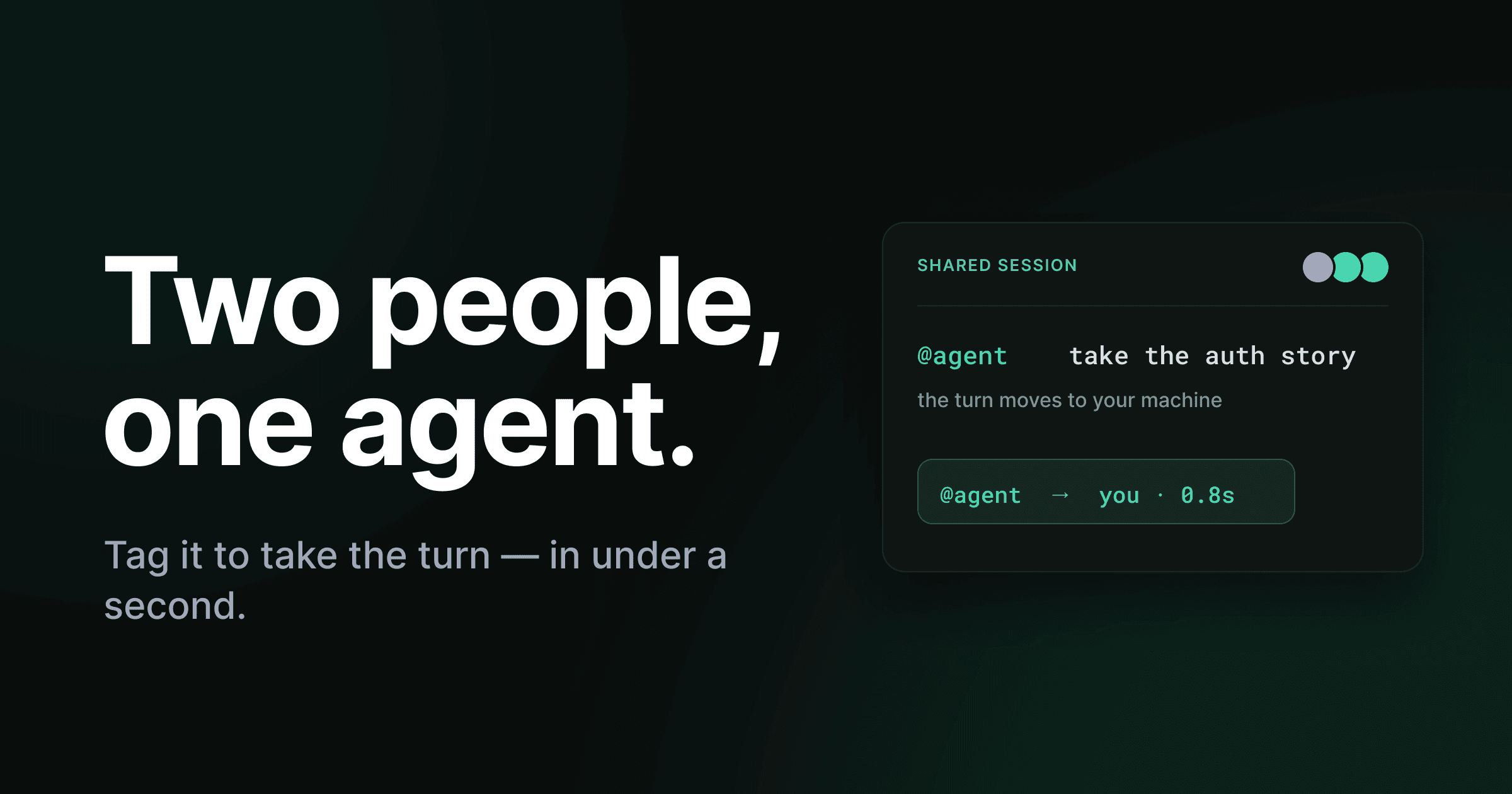
A teammate is deep in a session with the agent. It's halfway through a long reply — reasoning, a file change, a command. You can see the whole thing stream in, because you're both in the same conversation. But the agent is running on their machine, and you're the one who knows what should happen next.
In every other AI coding tool, that's a dead end. You'd ask them to paste the thread into Slack, or screen-share, or just take the wheel themselves. The session is theirs.
In Trinity, you type @agent, and the turn moves to you. The previous runner steps back to watching. It happens in under a second, and nobody handed anything over by hand.
That's the headline of Trinity 0.3.16. But the handoff only makes sense once you see what's underneath it: every AI surface in Trinity is already a shared, real-time, multi-user conversation. This is the Google-Docs-for-agents idea, applied to coding agents.
The agent session was never meant to be yours alone
Think about how you actually work with a coding agent on a team. One person kicks off a plan. Someone else has context the first person doesn't. A third person needs to review the direction before it turns into code. The work is collaborative. The tool isn't.
Almost every AI coding assistant models a session as a private, single-player thing. One person, one chat, one machine. The conversation lives in your editor's local storage. If a teammate needs in, they get a screenshot or a link to a frozen copy — never the live thing, and never the controls.
That mismatch is small when the agent autocompletes a line. It's a real problem when the agent is running your project — planning a feature, auditing a release, working through a decision your team should be making together. A session that only one person can see and steer turns every collaboration into a relay of copy-paste.
So we stopped treating the AI session as a private artifact and started treating it as a place the team works.
Every AI surface is a shared room
In Trinity 0.3.0, every AI surface became a shared, multi-user conversation — onboarding, planning in Architect, audits, and the help assistant. Not "shareable." Shared by default. Each one is a real-time thread your team is in together.
One model, every surface — shared, real-time, multi-user threads
The whole team plans the project together — side discussions, proposals, attributed answers.
Multiple design drafts in flight; any teammate opens any draft and keeps planning.
Named sessions your team revisits, re-runs, and asks follow-up questions about.
A running history of conversations that syncs across your devices, live — not a snapshot.
Open one and you see who else is present — a row of avatars at the top that updates live as people come and go, no refresh. Replies stream in token by token for everyone at once: the agent's reasoning, a file change, a command it ran, then the answer, each as its own readable card you can scan or expand. Refresh the page mid-stream and the conversation picks up where it left off — recent tokens replay from a short server-side buffer, then live streaming continues. No lost output, no stuck "thinking" spinner.
The conversation follows you across devices, too. Start a help chat on your laptop, open Trinity on your desktop, and the same thread is already there — live, not a snapshot, picking up wherever the other machine left off.
Multi-user onboarding, not a single-player wizard
Invite your team into project onboarding and everyone sees the same conversation. Each question can open a side discussion. The agent can propose an answer or a stack change you Apply or Dismiss. A tangent takes the whole team along and then returns to where you were — with every answer attributed to who gave it.
This is the part that makes the handoff possible. You can't move a turn between people if there's only ever one person in the room.
The agent knows when to stay out of it
Here's the problem that shows up the instant a conversation has more than one human in it: if the agent replies to every message, a room full of people talking to each other triggers a chorus of unwanted replies.
So the agent reads the room. When you're alone in a conversation, it answers everything, like always. The moment a teammate joins, it steps back and waits to be addressed. You and your teammates can talk things through — debate an approach, clarify a requirement — without the agent jumping in on every line. When you want it to act, you mention it: @agent.
You never flip a setting for this. It follows who's actually in the session. In 0.3.16 this replaced the old per-thread "auto-answer" toggle entirely — it now just happens, based on who's in the room.
This is why @agent is the natural gesture for taking over a turn. The mention was already how
you summon the agent in a group. Trinity made that same mention also move the turn — so the thing
you'd type anyway is the thing that hands you the wheel.
The handoff: tag the agent, take the turn
Now the headline feature makes sense.
When you and a teammate are in the same session, mentioning the agent with @agent pulls it onto your machine. The turn moves to whoever addressed it. The previous runner steps back to watching. All of it in under a second.
Live mid-session handoff — the turn moves to whoever addresses the agent
Alice is running the agent. Bob is watching the reply stream in.
A single mention addresses the agent from Bob’s machine.
The turn moved to Bob. Alice steps back to watching. Nobody handed off by hand.
One @mention. No transfer dialog, no copied link, no waiting for the other machine.
No transfer dialog. No "request control" button to click and wait on. No copying the thread somewhere else to continue it. Two people can trade off driving the same agent the way two people trade off a whiteboard marker — you take it when you have something to add, you set it down when you don't.
Why does the turn need to physically move to your machine at all? Because in Trinity the agent runs locally, against your environment, with your permissions. A running session is bound to a real machine doing real work — not a stateless chat on a server. Moving the turn means the next stretch of work runs where you are, with your tools and your approvals, while everyone else keeps watching the same live stream.
That last detail matters for trust. Awareness is shared; control is not.
Permission requests stay local, awareness is shared
When the agent asks to run a tool action, only the person whose agent it is gets the Allow / Deny dialog — it never pops up on a teammate's machine. Everyone else sees a read-only chip in the thread saying an action is waiting, and then which way it was decided. The raw tool input never leaves the originator's machine; only a short redacted summary travels with the awareness chip.
So the whole room knows what's happening, but only the person driving can greenlight what the agent does on their box. Taking the turn means taking responsibility for the actions that follow it.
Type while it works, and never lose the thread
Two more things make a shared session feel like a place instead of a queue.
The message box never locks while a reply is streaming. Keep typing — anything you send is queued for the next turn and shown as a chip you can remove before it's picked up. A Stop button interrupts a reply in progress and clears the queue. Every surface works this way: help chat, Architect, Audit, onboarding.
And the team always knows what needs a human. Trinity 0.3.13 added a notifications inbox synced across every project and teammate. A bell in the sidebar shows your unread count; the full page filters by read state, project, and kind. Every notification is tagged — a gate waiting on approval or a stalled run is flagged Needs you in red, routine updates are FYI — and a separate running-tasks indicator shows what's executing right now, apart from what already happened and wants your attention.
Put it together and a shared session stops being a thing one person babysits. The team can see what's live, see what needs them, and step in on the exact turn where they're useful.
Where the field is, honestly
Shared AI sessions aren't a thing nobody else has thought about. But the pattern across the leading coding assistants is that the agent session is single-player — one person, one machine, one local thread — and "collaboration" means sharing a copy after the fact.
GitHub Copilot stores chat history per workspace, locally; different workspaces have isolated sessions. Its share feature is a read-only link: "Anyone with the link can view the conversation," and while "recipients will see new messages appear in real time," they're viewing, not steering — the changelog frames it as a way to show a finished conversation, not a workspace teammates prompt together. Cursor's collaboration, as comparisons in early 2026 put it, is still essentially "we both have our own Cursor instance" — team features focus on shared context and rules, not a shared live session.
The honest exception is Zed, which built real-time multiplayer editing on CRDTs — the Google-Docs approach — and pairs it with a shared agent. If two engineers want to be in the same buffer with an assistant, that's the closest thing out there, and it's genuinely good.
| Aspect | Single-player AI tools | Trinity |
|---|---|---|
| Session model | Private, one user, local thread | Shared room, multi-user, synced |
| Teammate access | Read-only link or screenshot | Live thread — see who’s present |
| Agent in a group | Replies to everyone, or only you | Quiet until @-mentioned |
| Mid-session handoff | Take it over yourself, manually | Tag @agent — turn moves in <1s |
| Permissions | Local to the one user | Local approval, shared awareness |
So the honest framing: as of mid-2026, most coding agents run one private session per user, and the collaborative ones are mostly about co-editing a file. A shared agent session across teammates — where the agent stays quiet until addressed, and the turn itself moves to whoever tags it, live, with permissions staying local — that's the gap Trinity is built to close.
Pick up where your teammate left off
Go back to the opening. A teammate is mid-session with the agent, it's streaming a long reply, and you're the one who knows the next move.
In Trinity you don't ask them to paste it anywhere. You're already in the room — you watched it stream. You type @agent, the turn lands on your machine in under a second, and you keep going from exactly where they were. They stay and watch, or they move on. Either way, nothing was lost in the handoff because there was no handoff to manage.
That's what "multiplayer" should mean for AI coding: not a copy of a conversation, but the same live one, with controls that move as fluidly as the people do.
If you remember one thing: the agent session isn't yours, it's the team's — and you can take the turn the moment you have something to add. See it in the 0.3.16 changelog, and the shared-conversation foundation it's built on in 0.3.0. Or read how sessions run against your real environment in running execution, plan together in Architect, and set up your workspace in Workspaces.